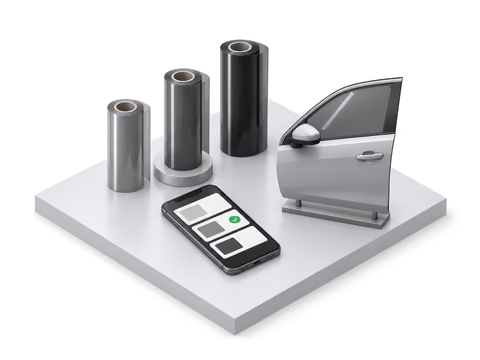
Software for tint, PPF, wrap and ceramic coating shops
Your shop’s leads, customers and quotes in one place
Put every lead on one board, from your website, an Instagram DM, a call or a walk-in. Send good, better and best quotes for tint, PPF, wraps and ceramic coating that customers approve on their phone. Add a free 3D visualizer to your website if you have one. It’s free today. Online booking and card payments are in development.
Free account. Takes about a minute.
Coming from Tint Wiz, a spreadsheet or paper?See what moves
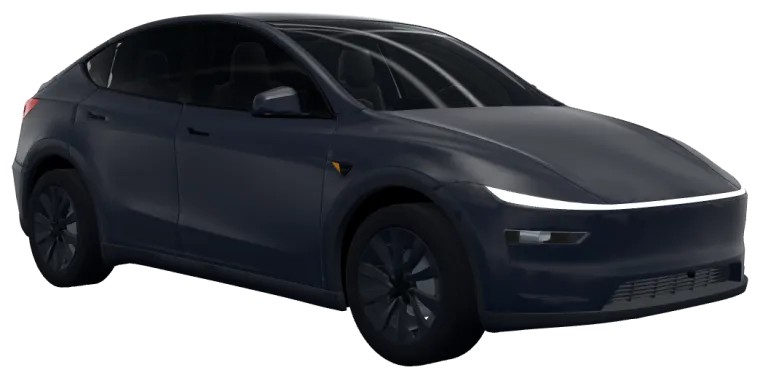
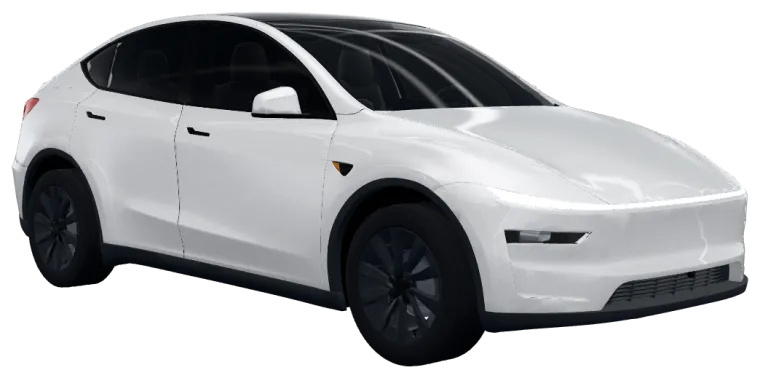
New
New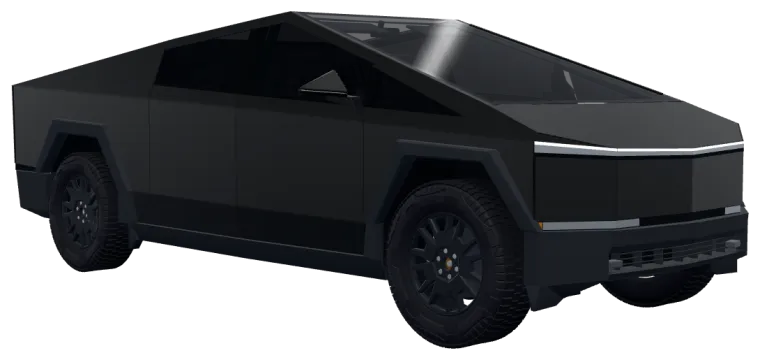
Quoted
Booked
Quote #1043
Front 35 · Rear 20 · Strip 35
Hi Jordan, here’s your quote
Job 2207 · readyAvailable now
The car is the lead
A lead from your visualizer isn’t a name and a phone number. It’s the car the customer already designed, so you know the job before you call.
- The film on every part, by brand, name and code
- The tint on each window
- A link that opens their build in 3D
- How to reach them, their ZIP, and when they want it done
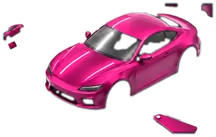
- A picture of the build


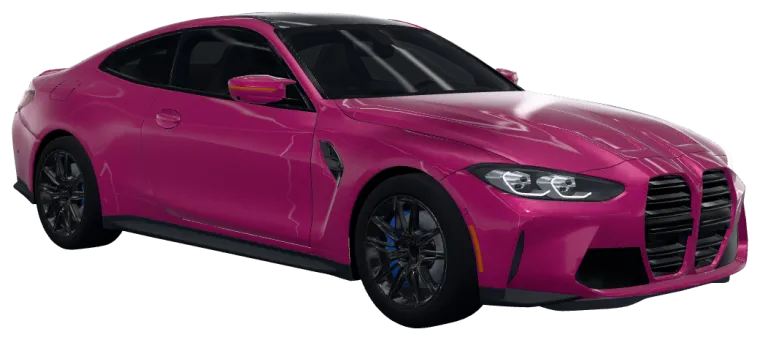
BMW M4
Jordan S. · ZIP 78704 · from your website
- Body
- 3M 2080 Gloss Fierce Fuchsia (2080-G348)
- Windows
- Ceramic tint · 35% front, 20% rear
- Wants
- Color wrap, window tint · this month
Free today
Four steps to your first quote
No card and no sales call. Here’s all of it:
Create your shop’s account
Your shop’s name, email, city and state. We email you a link to sign in: no password, no card. After that you can sign in with Google too.
Bring your customers
Import a file from Tint Wiz, GoHighLevel, Urable, a spreadsheet or another tool, or add leads by hand as they call, DM or walk in. What moves from each.
Add your prices
Your tint, PPF, wrap and coating prices by vehicle size, once, in Settings. Every quote starts from them.
Send a quote
Good, better and best from your price list. The customer opens the link on their phone and approves one.







What you get today
From your website
- Available now
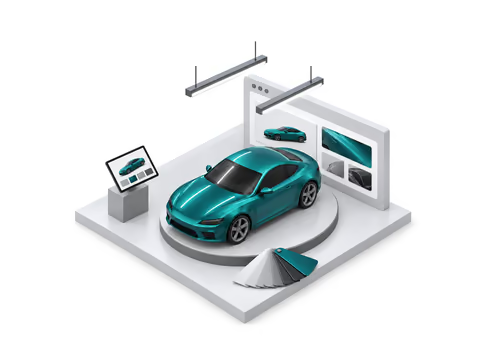
A 3D visualizer for your website
Customers try 1,338 real films on 3D vehicles, or on a photo of their own car. One pasted line puts it on your site.
- Available now
Your branding
Your logo and accent color, the film brands you install, and the vehicle it opens on.
- Available now
Shows only on your websites
It loads only on the website addresses you list, so no other site can show your visualizer.
- Available now
Leads with the customer’s exact build
Each quote request comes to your email and your dashboard with the film on each part, a link to the build and the estimate the customer saw.
- Available now
A picture of the build on each lead
A render of the customer’s car in the film they picked, in the lead email and in your list.
Leads and quotes
- Available now
A pipeline with notes and follow-ups
Leads move from New to Quoted to Booked on a board, with notes, follow-up reminders and leads you add by hand.
- Available now
Import from your current tool
Bring your customers and open leads from Tint Wiz, GoHighLevel, Urable, shopVOX, Jobber, Housecall Pro, Square or any spreadsheet (CSV or Excel), with a preview before anything is saved.
- Available now
CSV export
Download your leads as a spreadsheet whenever you like. They’re yours.
- Available now
Good, better and best quotes
Three options from your own price list, started from the customer’s build.
- Available now
Exotic prices, add-ons and flat glass
Price Exotic cars on their own, add flat add-ons like windshield, sunroof and old film removal that customers tick on the quote, and quote home and office glass by the square foot.
- Available now
Approval on the customer’s phone
Customers compare the options and approve one on their phone. Quotes from visualizer requests can show the build picture the customer saved.
From booking to pickup
- Available now
Install dates and a week schedule
Set each job’s install date, time and bay, and see the week’s installs on one schedule.
- Available now
Customers pick a drop-off time
Turn it on and set your hours, bays and how long each service takes. After a customer approves a quote (and says the deposit is sent, if you ask for one), they pick a free time on their phone. It lands on the job for you to confirm or move.
- Available now
Deposits through your own pay link
After approving, the customer pays a deposit through your Venmo, Cash App, Zelle, Square, Stripe or PayPal link, and you mark it received.
- Available now
Text now reminders
Today lists who needs a text: a quote not opened or approved yet, a drop-off coming up, a deposit not in. One tap opens your own Messages (or email) app with the words filled in, and you press send. Peel doesn’t send these reminders for you.
- Available now
Film record and care page
When a job is done, record the film, roll IDs, plate and VIN, then find a car later by plate, VIN or roll ID. The customer’s care page shows the film, install date, care steps and the labor warranty you set, and you share it by link, text or QR code.
- Available now
One-tap Google review request
When a job is done, one tap opens your Messages app with a review request and your Google review link.
In development
What’s coming to Peel
From the lead to the finished car, in one place. None of this is ready yet.
Next
- In development
Online booking
Customers book a time that fits your bays on their own, before a quote.
- In development
The bay app
Installers see the car, the film and the steps, with a cure timer.
- In development
Card payments
Invoices and payment at pickup, in Peel. Today a deposit goes through your own pay link.
Switching
Moving from your current tool
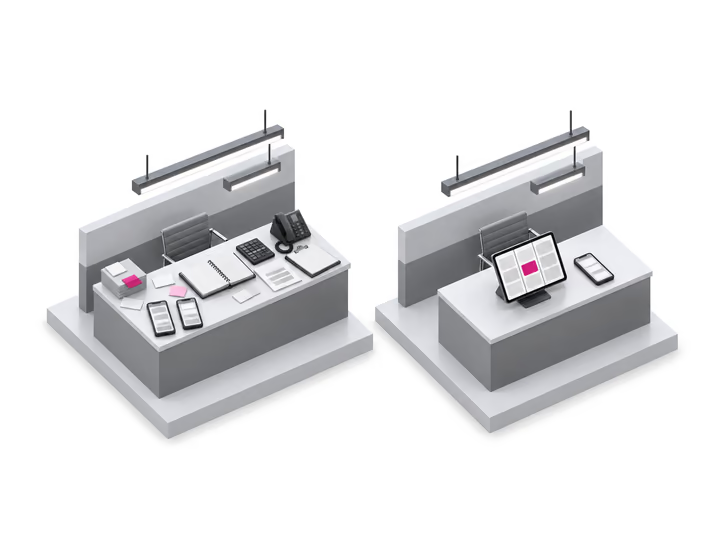
You don’t have to move anything to start. Peel runs beside whatever you use today, so you can send a few quotes before you bring everything over.
Import from your current tool
Bring your customers and open leads from Tint Wiz, GoHighLevel, Urable, shopVOX, Jobber, Housecall Pro, Square or any spreadsheet (CSV or Excel), with a preview before anything is saved.
- You see what comes over before anything is saved.
- Nothing is sent to your customers when you import.
- Your old account stays as it is. Peel never asks for its password.
Founding shops
Help us build the software your shop runs on
We’re building Peel with working tint, PPF and wrap shops. Founding shops start with a free account, get each part of Peel early, and tell us what to build first.
- Early access to each part of Peel as it’s ready
- A say in what gets built first
- The free visualizer, pipeline and quotes, from today
Who it’s for
Built for film shops
Tint, PPF, wrap and ceramic coating shops in the US, from one bay to several.
Window tint
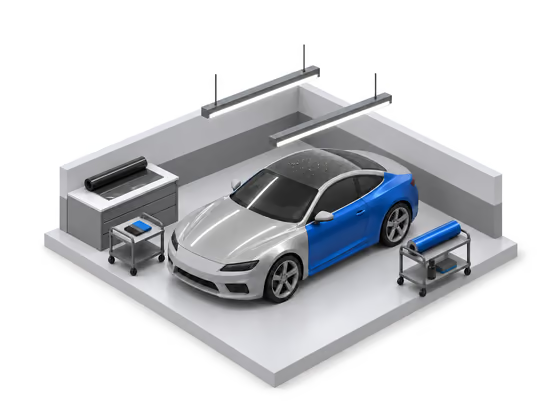
Customers pick a shade for each window of a 3D car, down to 5% on the side and rear glass, and see it from outside or from the driver’s seat.
Paint protection film
Clear and colored PPF in the packages shops sell: partial front, full front, track pack and full body.
Wraps
1,338 wrap and color PPF films from 3M 2080, Avery Dennison SW900, ORACAL 970RA and KPMF VWS IV and more, each named with its code.
Ceramic coating
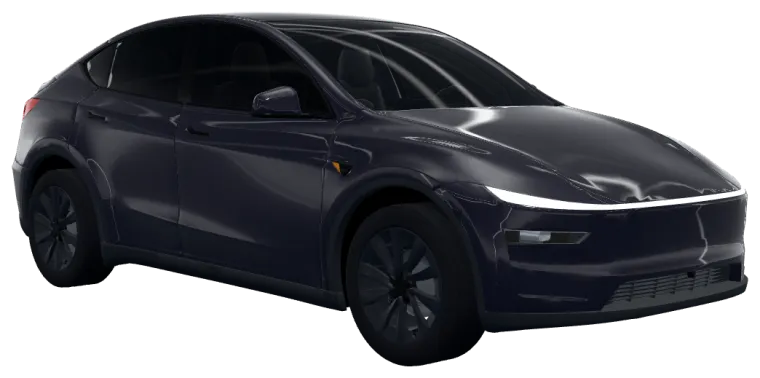
The visualizer shows film, not coatings. Coating shops that also tint or install PPF use it for that side of the work.
Free tools for your shop and your customers
- The 3D visualizer for your websiteWhat customers do with it, what you get, and how to install it in a few minutes.
- Shop price-sheet builderYour services and prices on one sheet with your logo. Print it or save it as a PDF.
- Vinyl wrap calculatorHow much vinyl a car takes, in feet, yards and rolls, for a full wrap or one panel.
- Window tint simulatorPick a shade for the front and rear windows of a 3D car and see it from outside or from the driver’s seat.
- Car wrap visualizer1,338 real wrap and color PPF films on 3D cars, each named with its code.
- Window tint percentagesWhat 5% to 70% tint looks like from the driver’s seat of the same car, and what the number means.
- Window tint calculatorYour film’s VLT times your glass’s: how much light the finished window lets through.
- Window tint cost calculatorWhat window tint costs by vehicle, windows and film, from shops’ published prices.
- Car wrap cost calculatorWhat a car wrap costs by vehicle and coverage, from shops’ published prices.
- Car color changerSee a car in another color, in 3D or on a photo.
- Cybertruck window tintThe available shades on each window of a 3D Cybertruck, seen from outside and from the driver’s seat.
- Cybertruck PPFClear and colored PPF on a 3D Cybertruck.
- Cybertruck wrap costWhat a wrap costs, film by film.


Questions shops ask
What can my shop use today?
The visualizer, leads with the build, CSV export, your branding, the domain lock, the car picture on each lead, the pipeline board, import, quotes, approval on the customer’s phone, install dates and the week schedule, deposits through your own pay link, the Google review request, Text now reminders, the drop-off picker, the film record and care page and exotic prices, add-ons and flat glass. Everything marked In development is still being built; the demo runs what’s live on a sample shop.
What does it cost?
Your shop’s account is free today, with everything marked Available now. Peel isn’t for sale yet, so there’s no price to show.
Who sees my leads?
Only your shop. A request from your visualizer is emailed to your shop’s address and listed on your dashboard. WrapColor never passes it to another shop. The request itself is kept for 12 months; the customer and job it adds to your pipeline stay until you delete them.
What happens to my data?
Your leads are yours. Download them as a spreadsheet any time, or delete your shop and its leads from the dashboard. The privacy page says what we keep.
Which websites does the visualizer work on?
Any site where you can add a line of HTML, such as sites built with WordPress, Wix, Squarespace or Shopify. It shows only on the website addresses you list on your dashboard, so another site can’t put your visualizer on its pages.
Can I bring my customers from the tool I use now?
Yes. Bring your customers and open leads from Tint Wiz, GoHighLevel, Urable, shopVOX, Jobber, Housecall Pro, Square or any spreadsheet (CSV or Excel), with a preview before anything is saved. Peel works beside your current tool too, so you can start before you move anything. The switching pages say what moves from each tool and what stays behind.
What does a founding shop do?
Founding shops get early access to each part of Peel as it’s ready and tell us what to build first. Tick the box when you sign up.